Process AI Agents
Streamline your business operations with our specialized AI agents for design, discovery, and optimization.
Nimbal Process Designer
AI-powered solution that helps organizations design, analyze, and document business processes using swimlane and value stream diagrams.
Core Capabilities
- Generate swimlane and VSM diagrams from transcripts or CSV inputs
- Visualize actors, steps, decisions, and wait times
- Convert operational knowledge into standardized diagrams quickly
Use Cases
- Business process documentation
- Workflow and approval flow analysis
- Operational reviews
Walkthrough
Open Process Designer
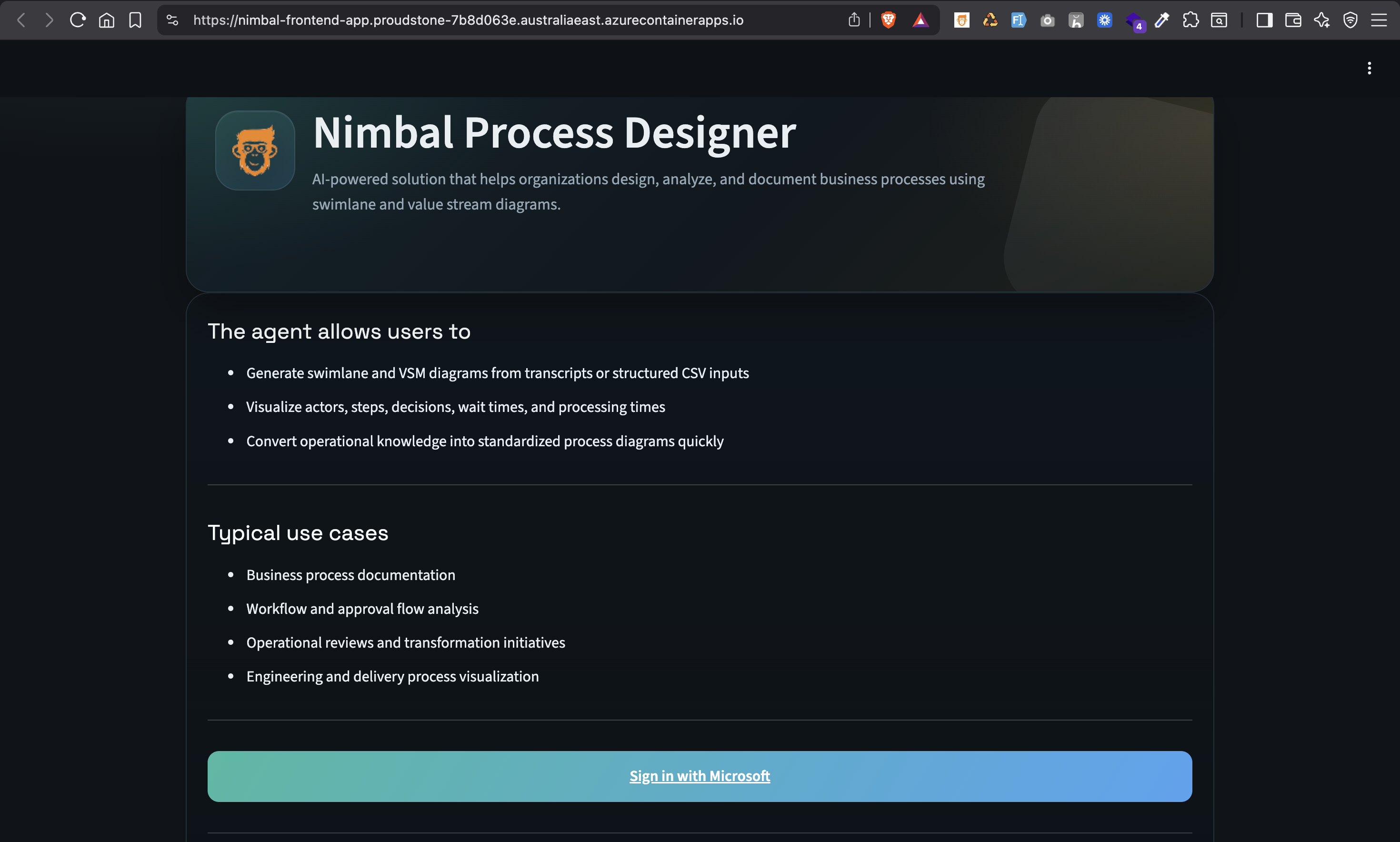
Start on the Process Designer landing page and select 'Sign in with Microsoft' to access the tool.
Microsoft Sign-In
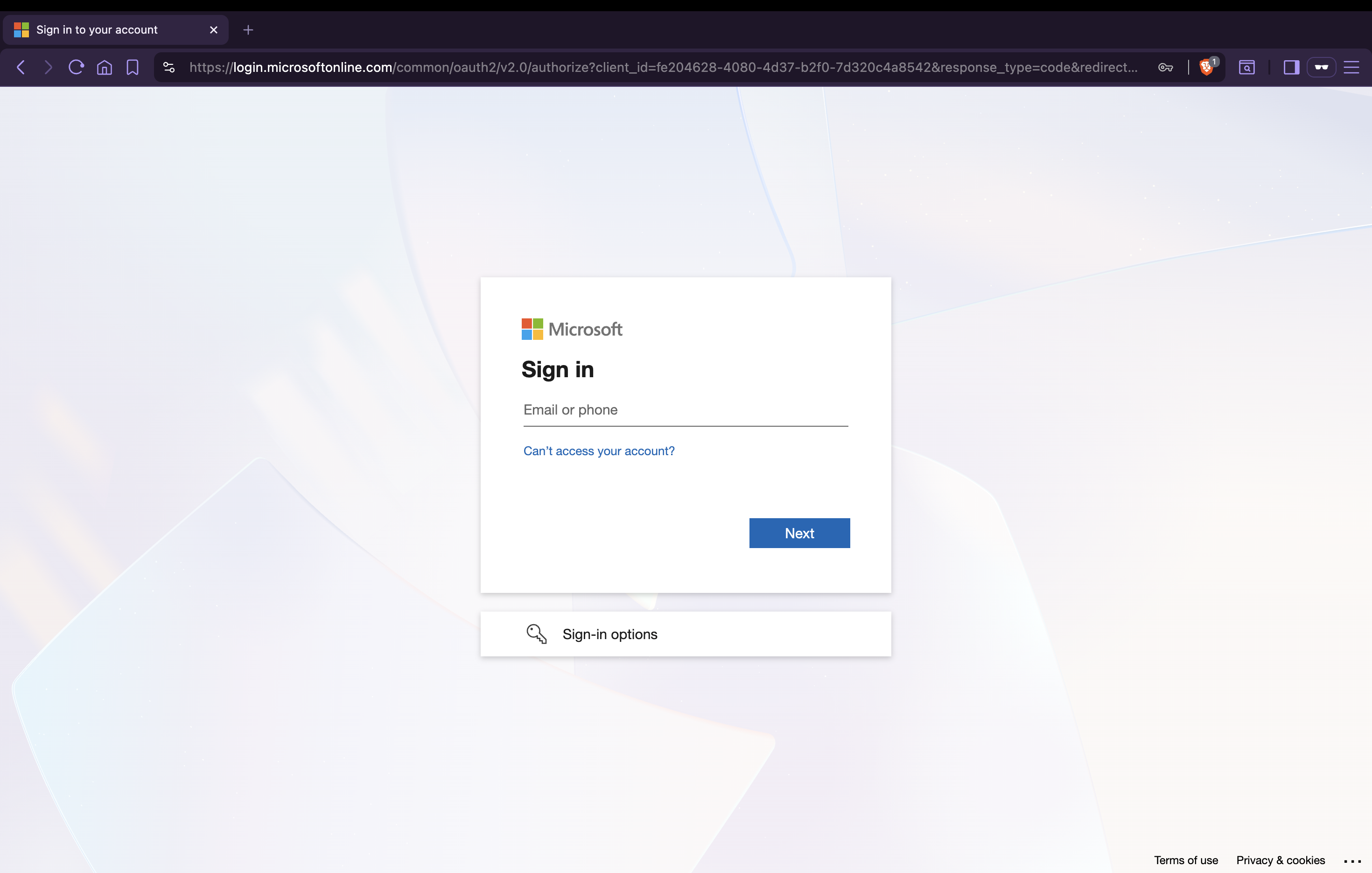
Authenticate with your Microsoft account to continue into the designer workspace.
Process Mapping Studio
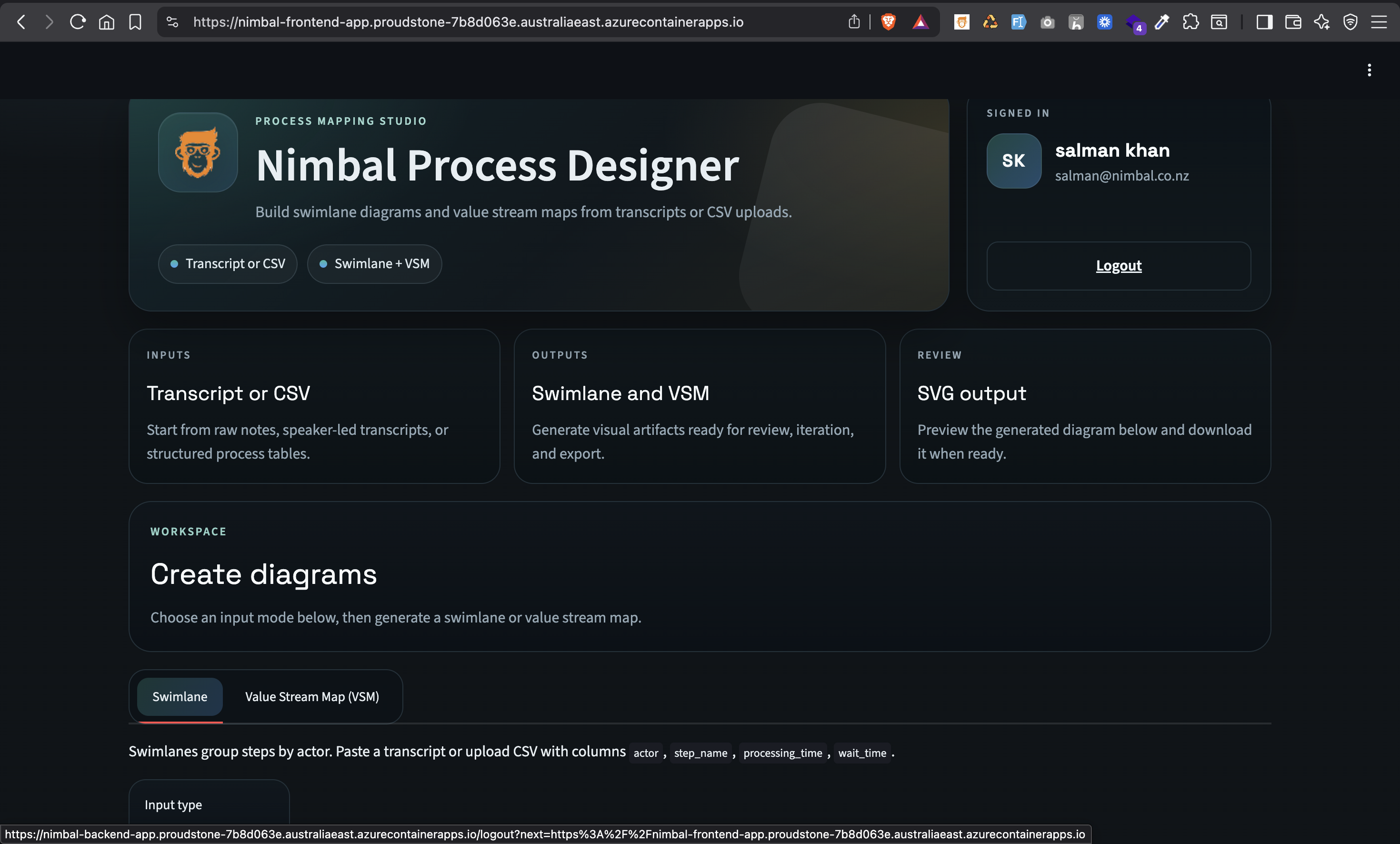
After signing in, choose your input mode and create swimlane or value stream diagrams from the dashboard.
Swimlane Diagram Result
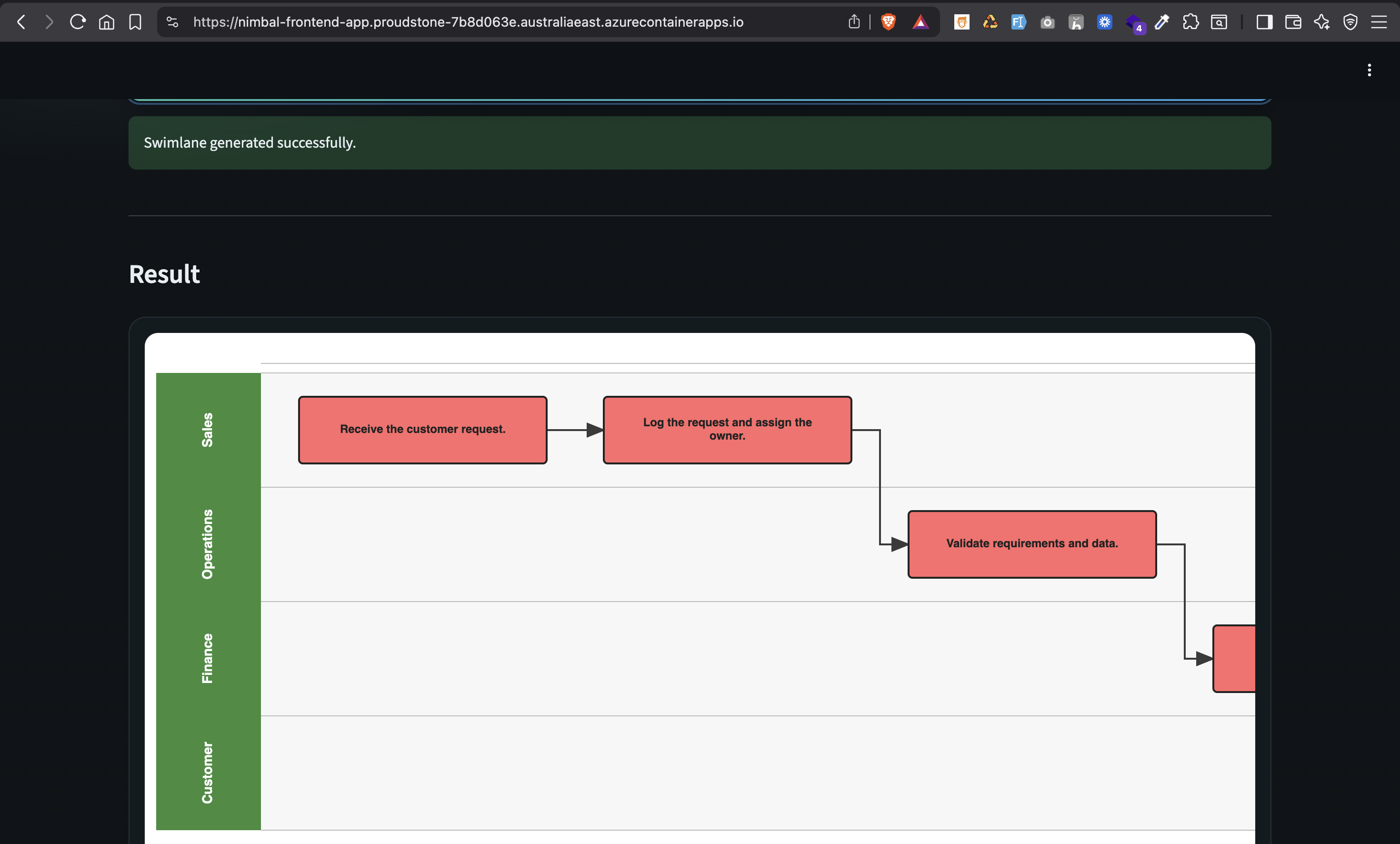
Review the generated swimlane diagram organized by actor and process step.
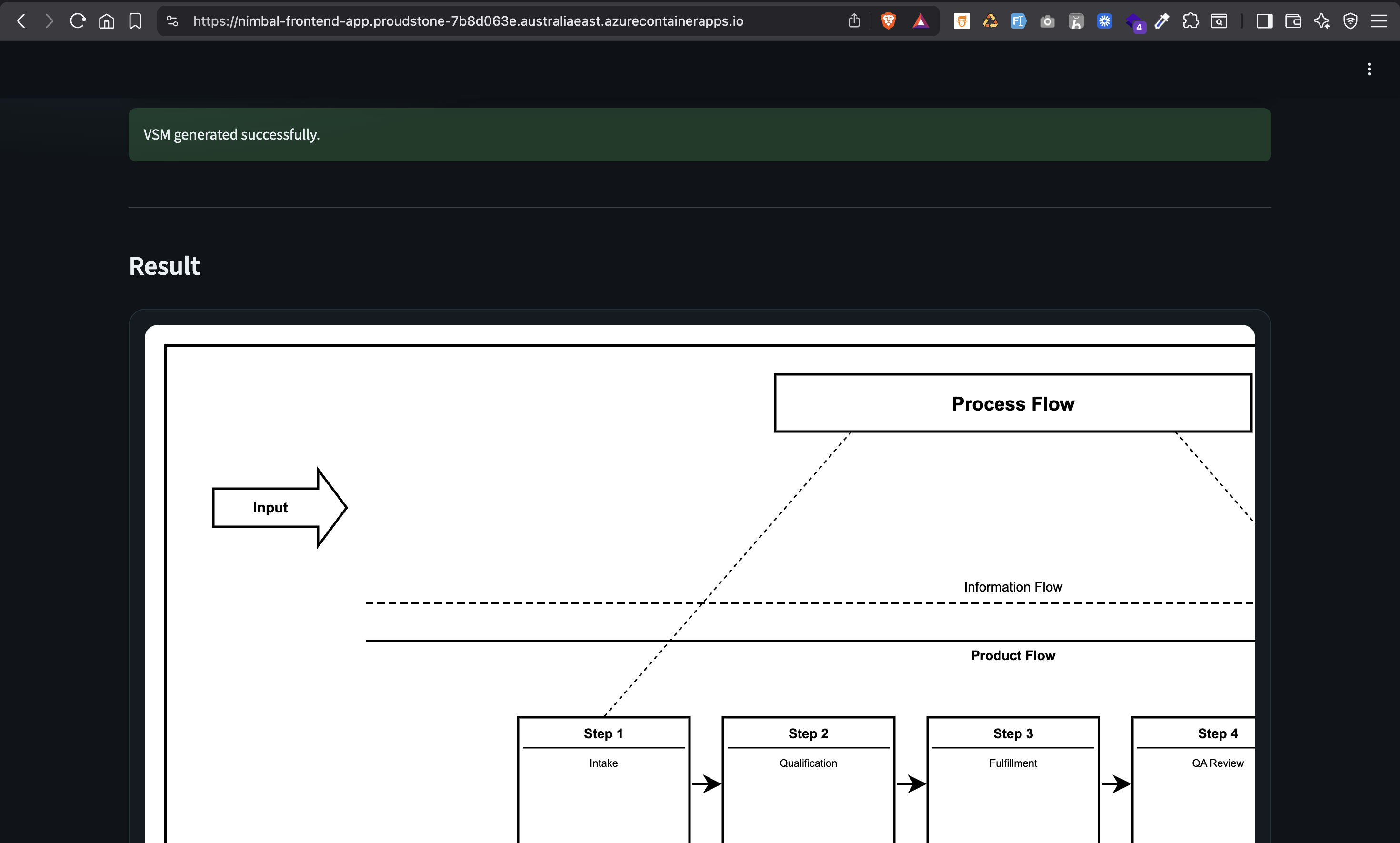
Value Stream Map Result
Review the generated value stream map showing process, information, and product flow.
Access Agent
Launch the Nimbal Process Designer and sign in with your Microsoft account to get started.
Launch AgentNeed help?
Contact Nimbal for rollout support or a tailored discovery workflow.